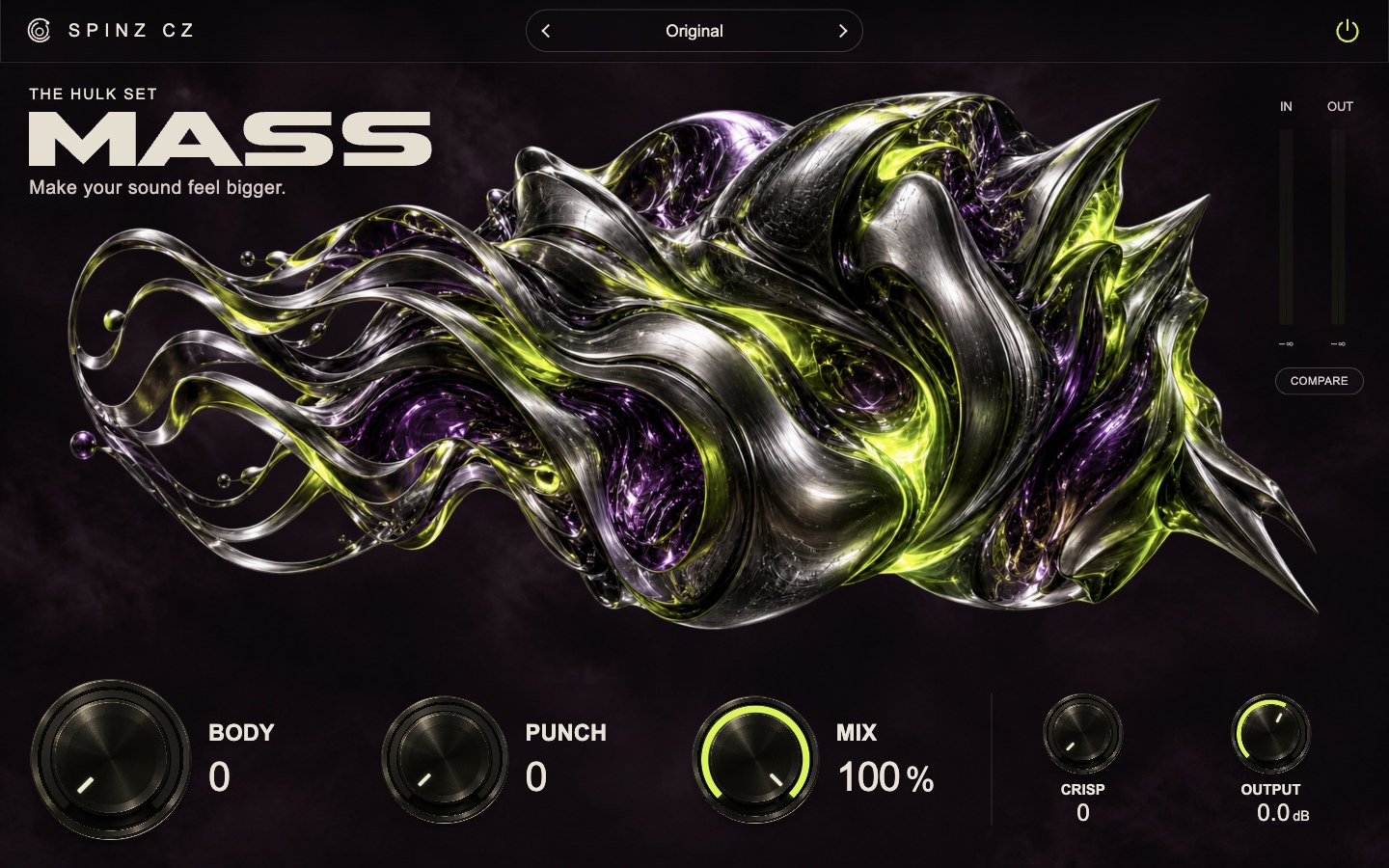
Add body and punch to drums.
Use Body to add weight, Punch to shape the attack and Crisp to add definition. Use it on drums, bass or instruments that sound thin.
Body · Punch · Crisp
14 mixing plug-ins.
One complete set.
Compression, EQ, saturation, stereo width, reverb and delay. Built for quick, focused adjustments.
Compress a vocal. EQ a drum. Add reverb to a synth. The Hulk Set gives you a focused tool for each job, with controls you can get to quickly.
Choose a preset, adjust the main controls and compare it with your original sound. Keep the changes that work for your mix.
Add body to a thin kick.
Shape the attack with Punch.
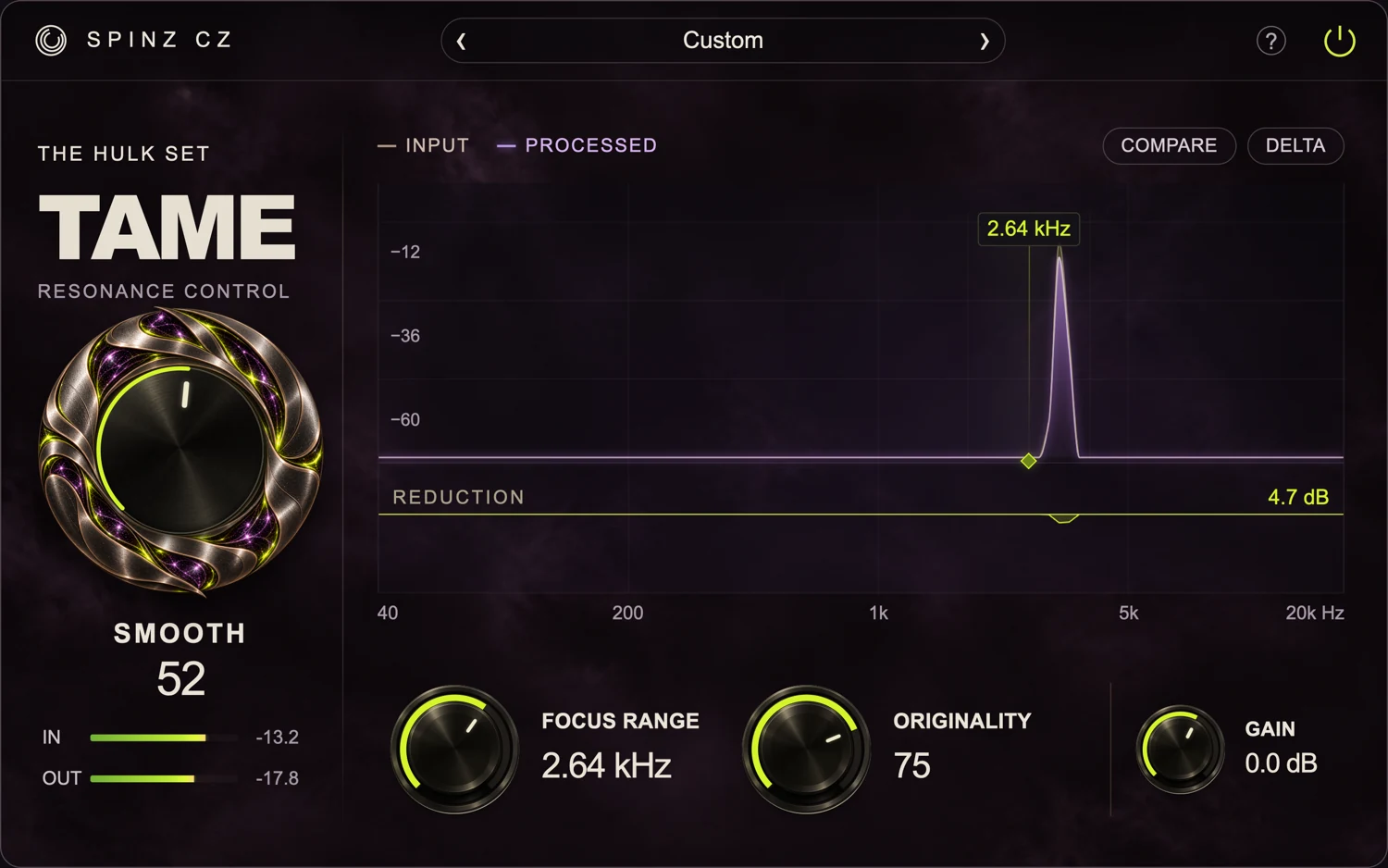
Control ringing and resonance.
Keep the tone you want.
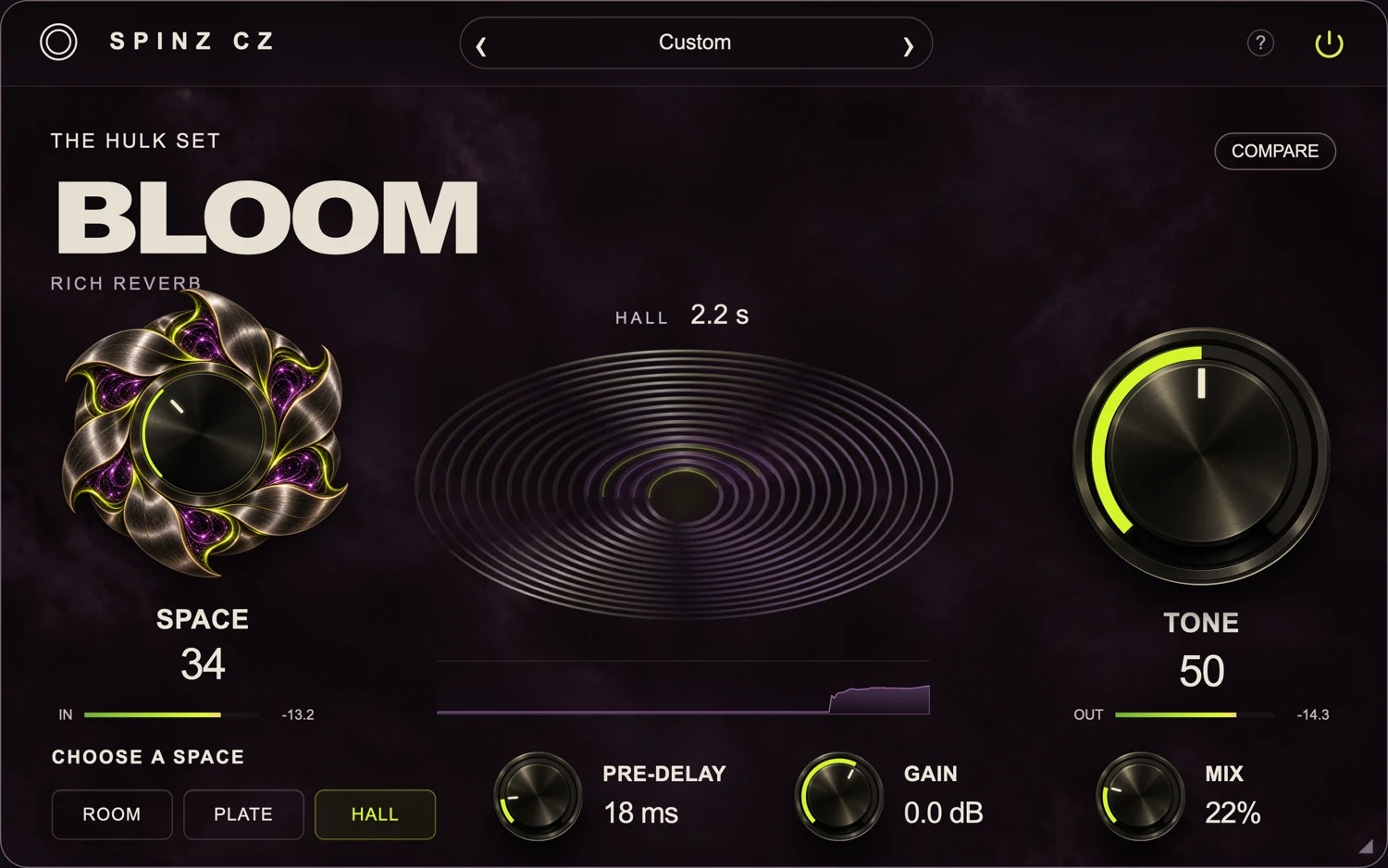
Choose Room, Plate or Hall.
Set the space, tone and mix.
Add body to drums, control peaks with compression and give instruments more saturation. Use bus compression to bring a group together.
Use Body to add weight, Punch to shape the attack and Crisp to add definition. Use it on drums, bass or instruments that sound thin.
Body · Punch · Crisp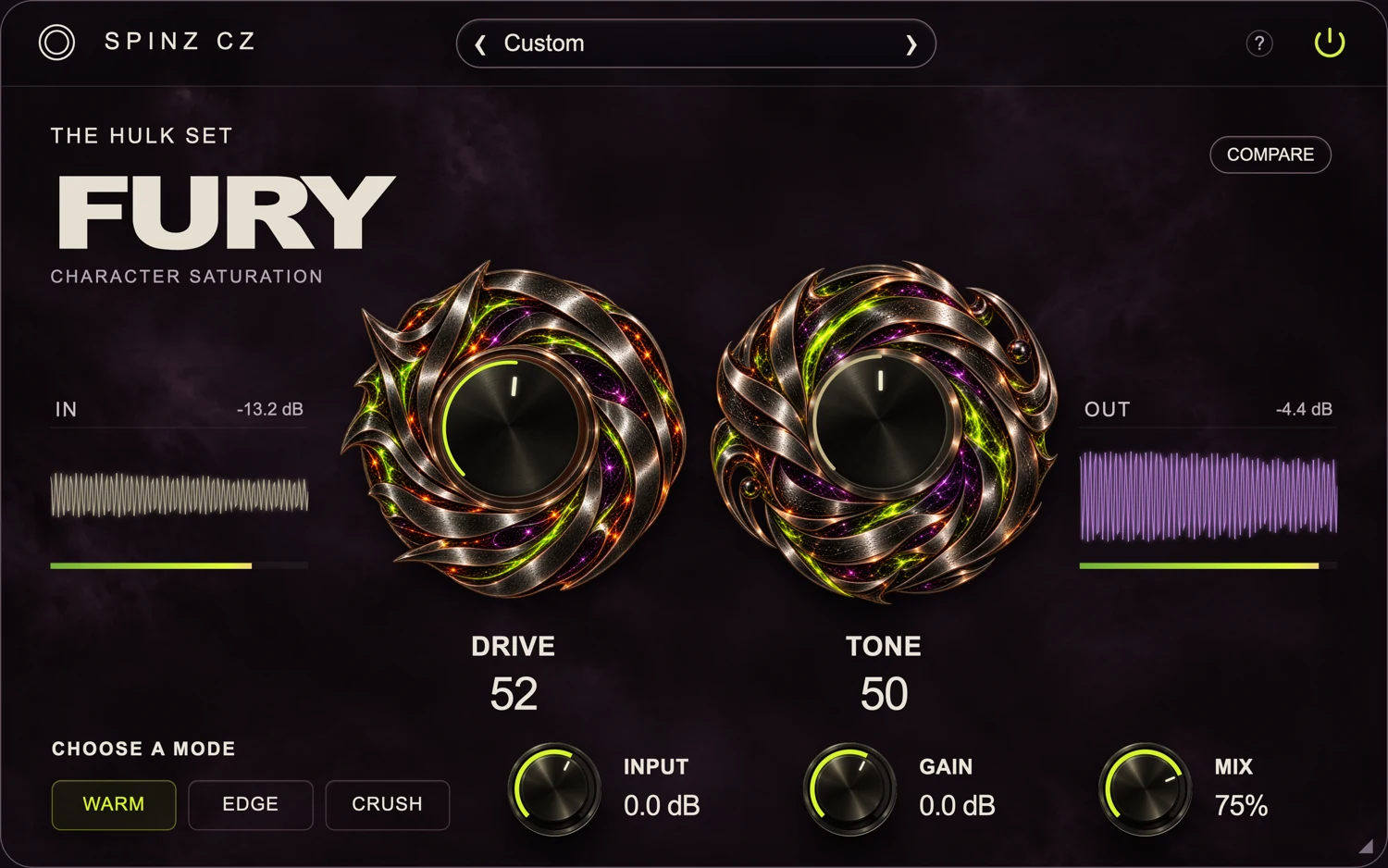
Choose Warm, Edge or Crush. Increase Drive for more saturation, adjust Tone, then blend the effect with Mix.
Drive · Tone · Mix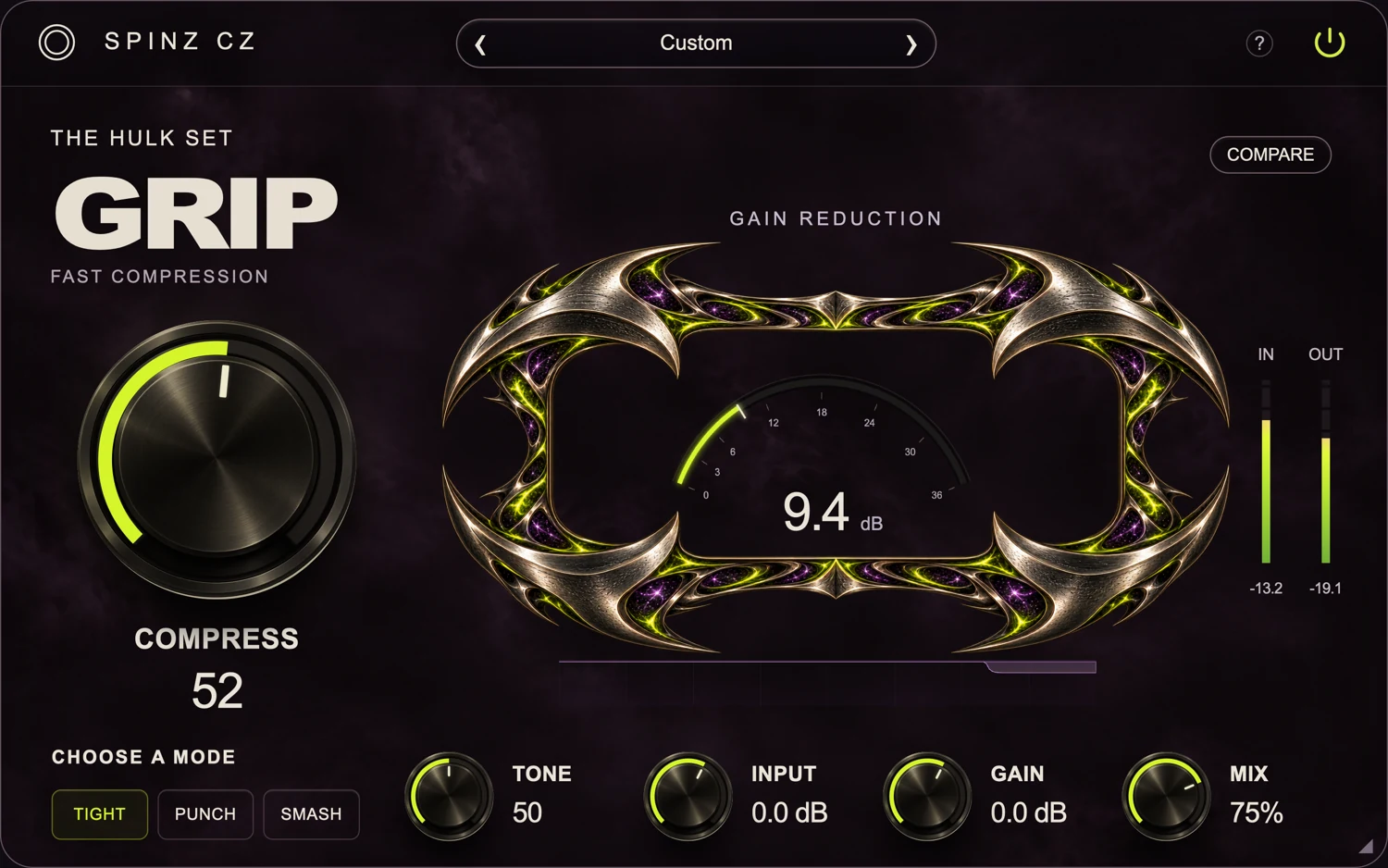
Use Tight for peak control, Punch to keep the attack or Smash for heavy compression. Blend a compressed layer with the original using Mix.
Compress · Tone · Mix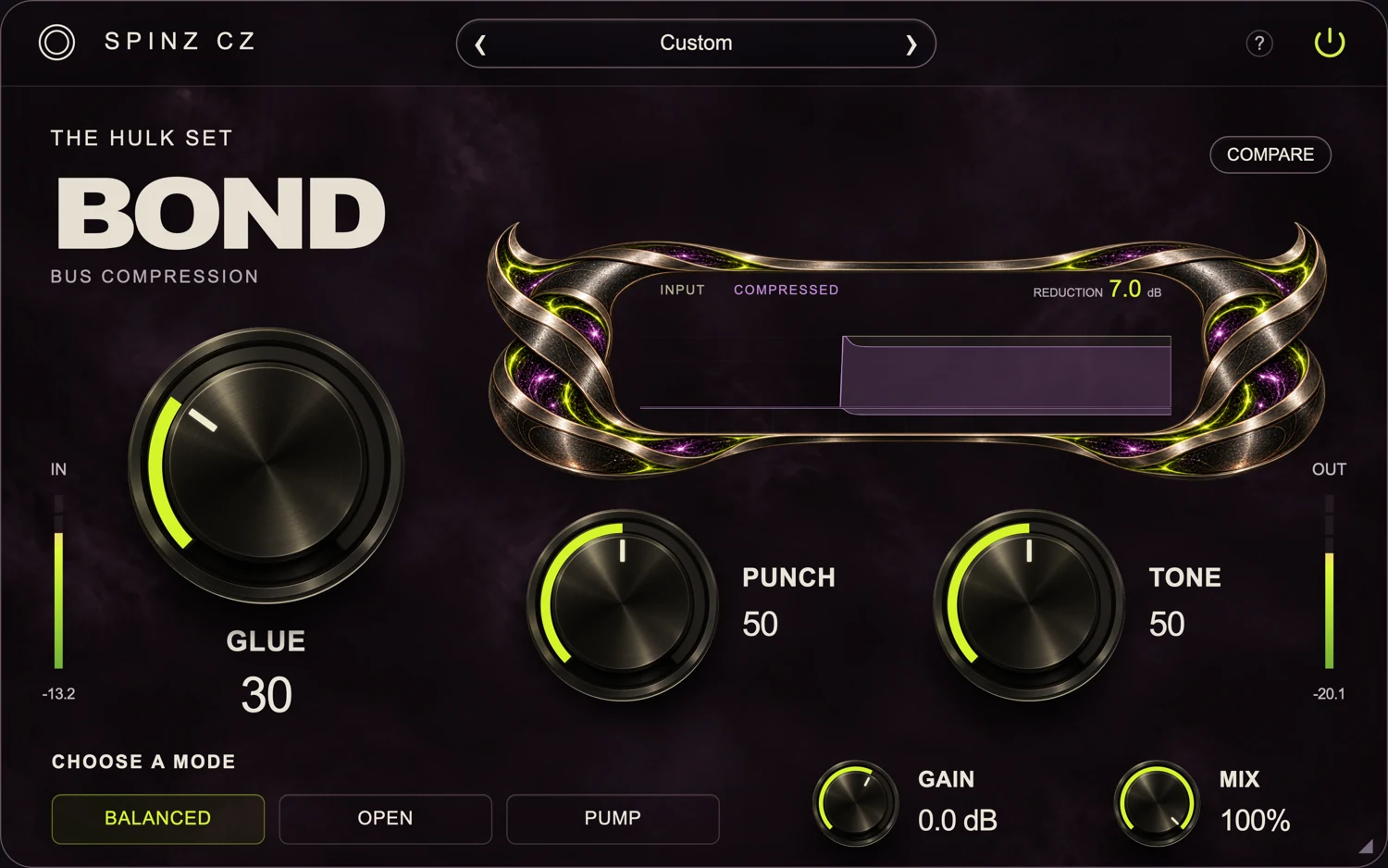
Compress a drum bus or instrument group to make the levels feel more connected. Use Glue and Punch to control the compression and attack.
Glue · Punch · MixReduce harsh frequencies, adjust the tone with EQ and reduce unwanted room reverb in recordings.
Reduce resonant peaks that make a vocal, cymbal or instrument sound harsh. Focus on the problem area and choose how much of the original sound to keep.
Smooth · Focus Range · Originality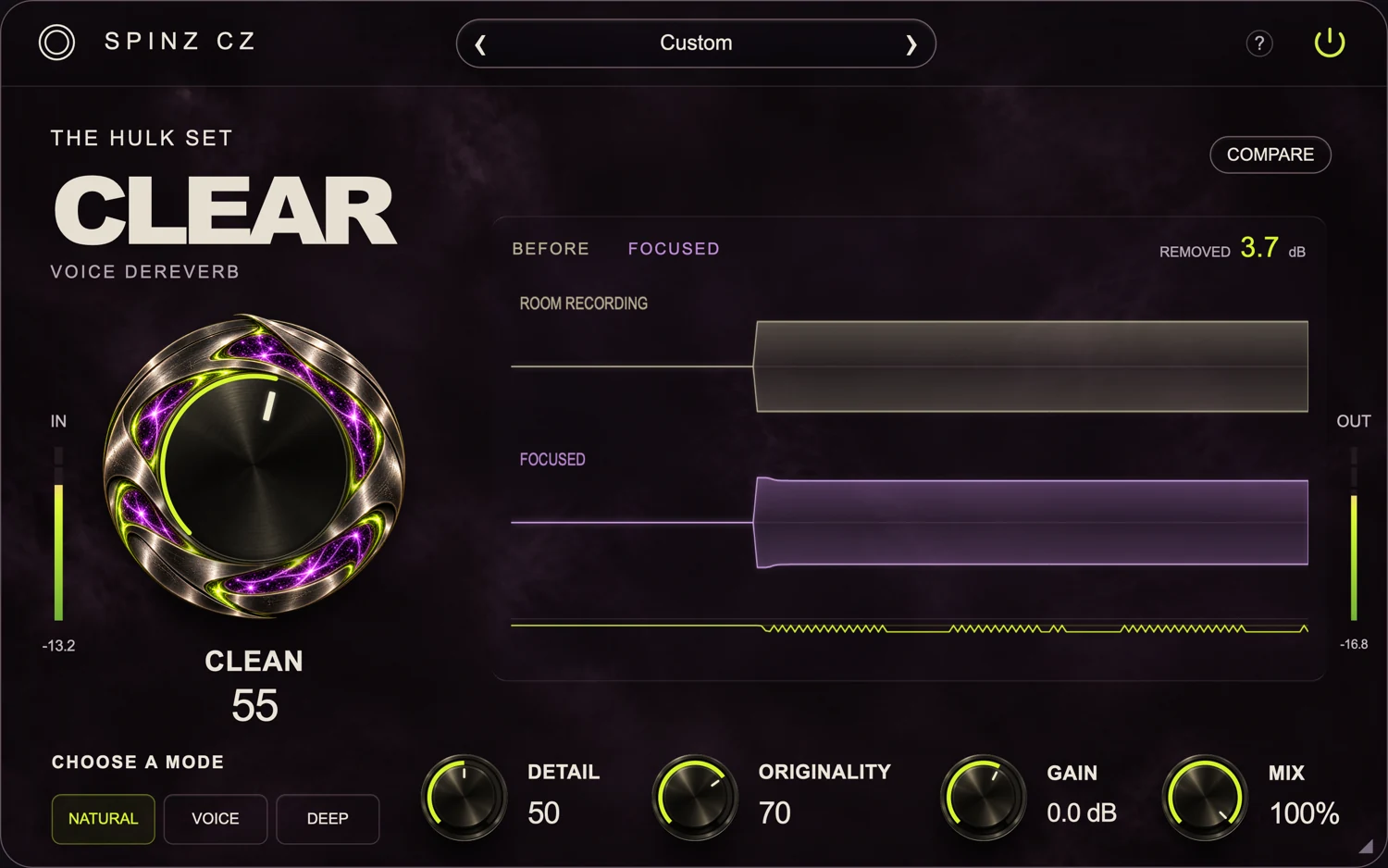
Reduce room reverb around a vocal or spoken recording. Use Clean for the amount of reduction and Detail to balance cleanup with the original voice.
Results depend on the recording and the room.Clean · Detail · Originality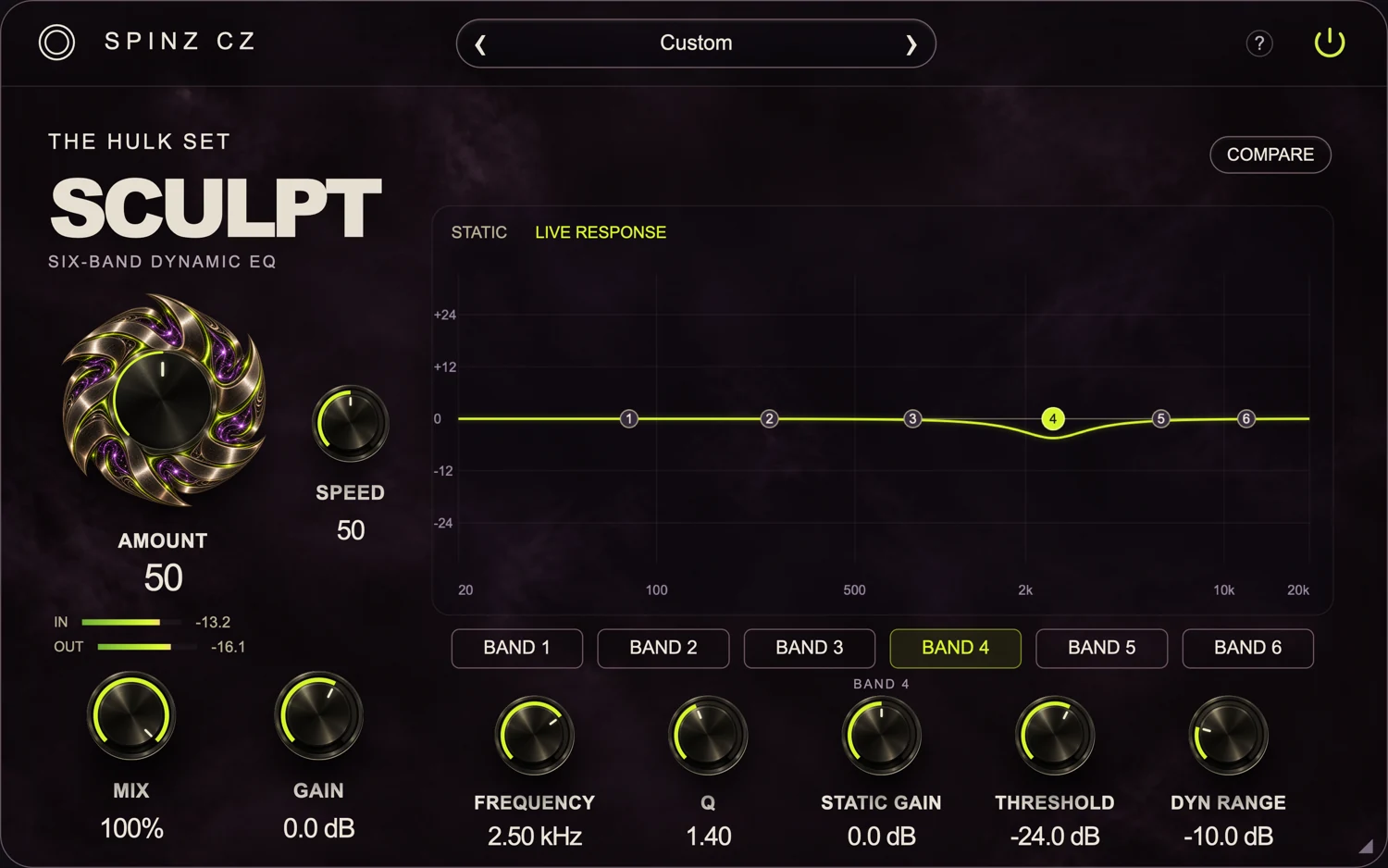
Use six EQ bands to shape the tone. Set a threshold so an EQ band responds when a problem frequency gets too loud.
Six bands · Threshold · Dynamic range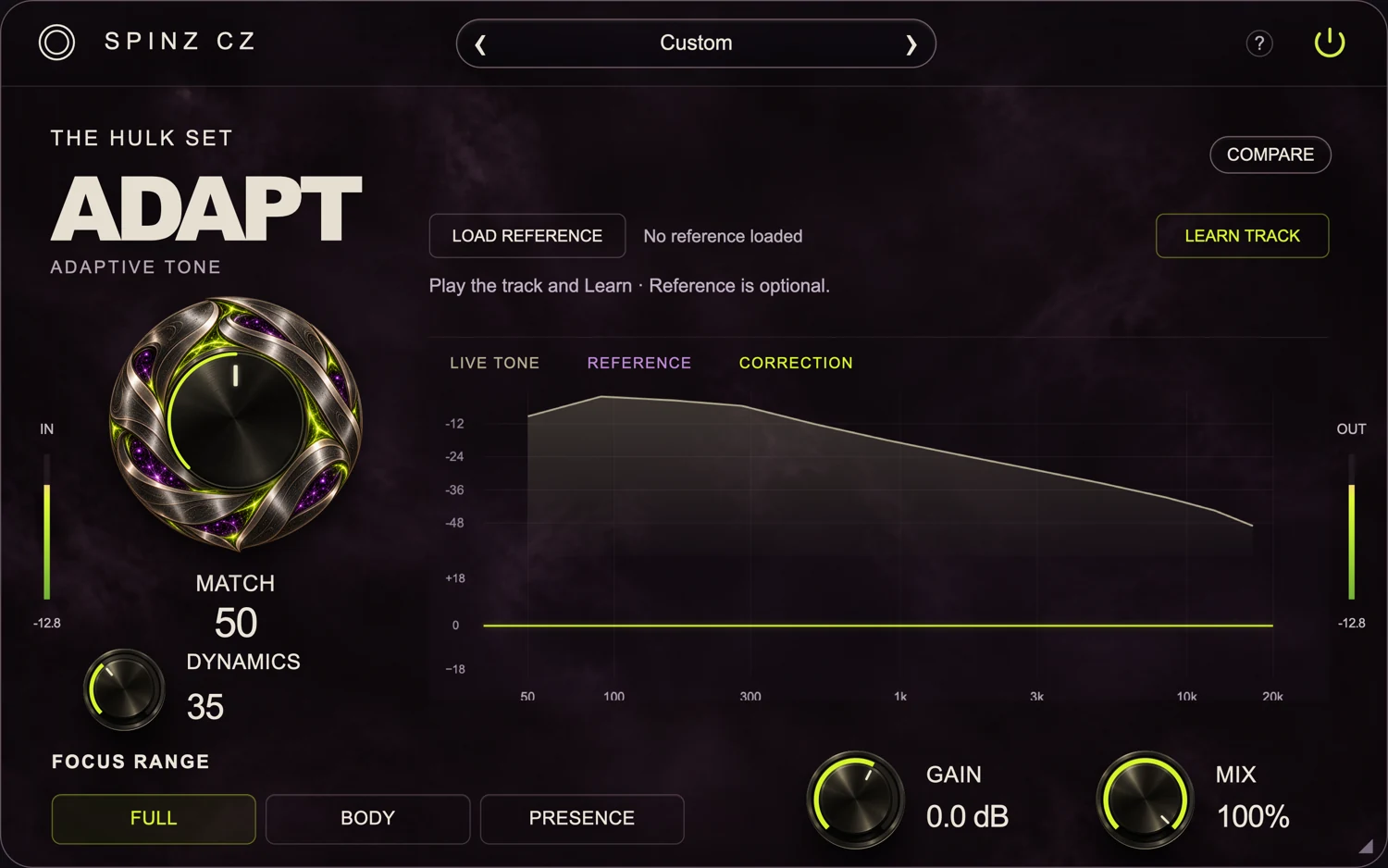
Learn your track, then use Dynamics to control changes in its frequency balance. Add a reference and use Match when you want to move toward its tone.
Learn Track · Dynamics · MatchAdd reverb and delay, control existing stereo width or create stereo information from a mono sound.
Choose a reverb type, set the amount of space and adjust its tone. Use Pre-delay to leave a gap before the reverb starts.
Space · Tone · Mix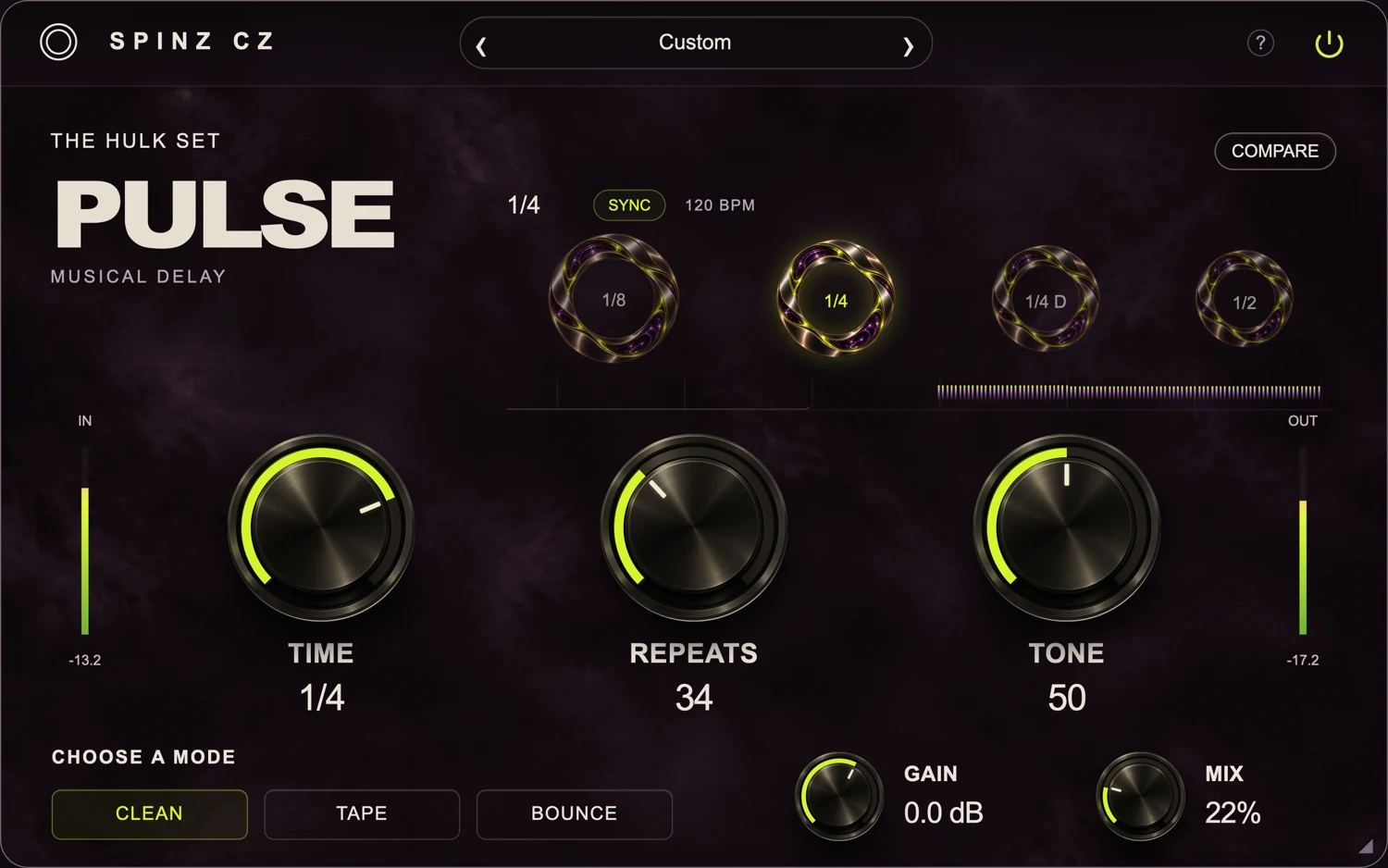
Choose Clean, Tape or Bounce delay. Set the timing, adjust the number of repeats and change their tone. Use tempo sync to keep the echoes in time.
Time · Repeats · Tone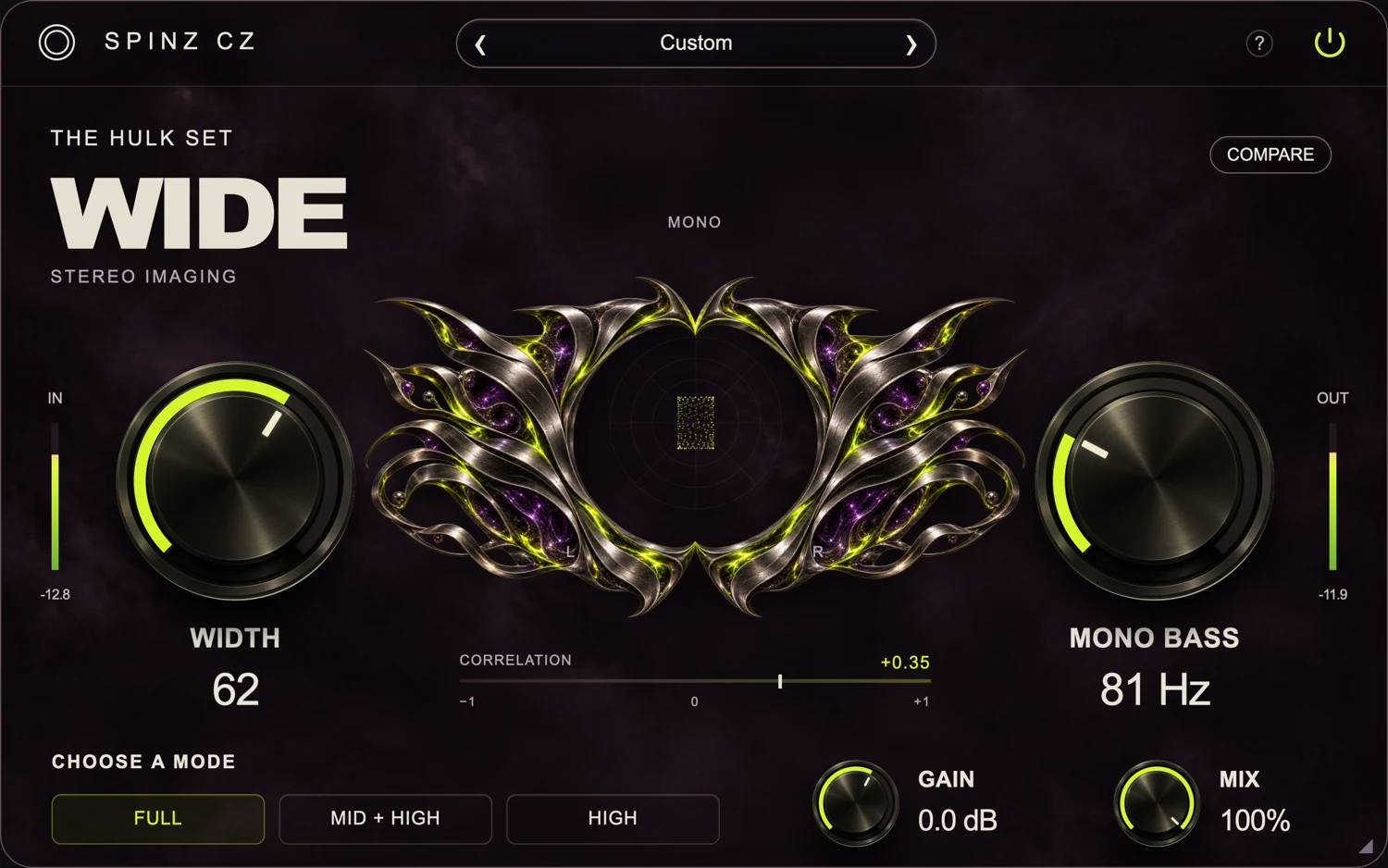
Widen or narrow the stereo information already in your track. Use Mono Bass to keep low frequencies in the center.
Width · Mono Bass · Mix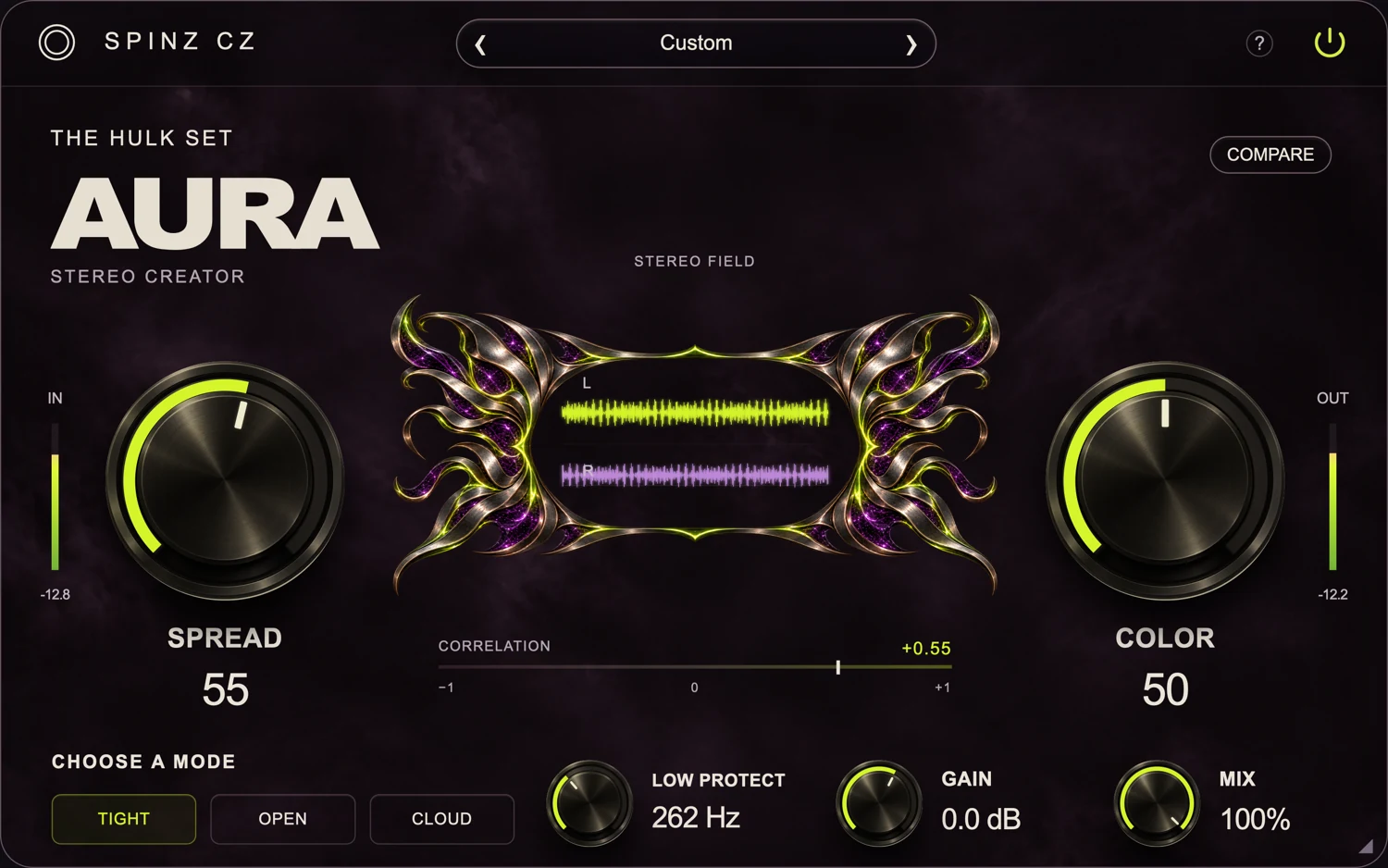
Add stereo information around a centered sound. Choose Tight, Open or Cloud, then adjust Width and Color while protecting the low end.
Width · Color · Low ProtectUse a reference to guide your bass balance, or choose a tonal target for your track. Adjust the amount of correction yourself.
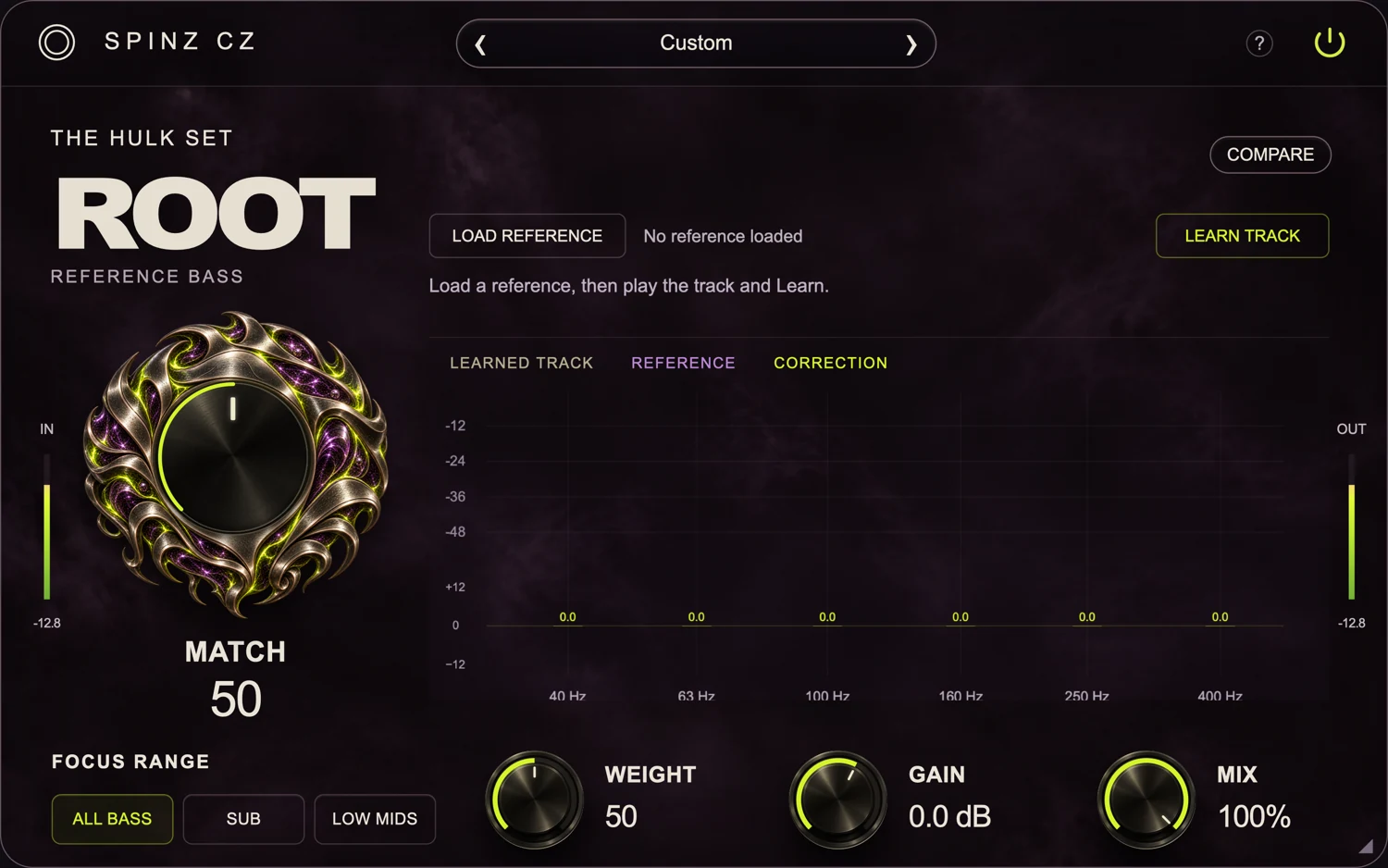
Learn the low-end balance of your track and a reference. Use Match to move toward the reference, then adjust Weight to taste.
Learn · Match · Weight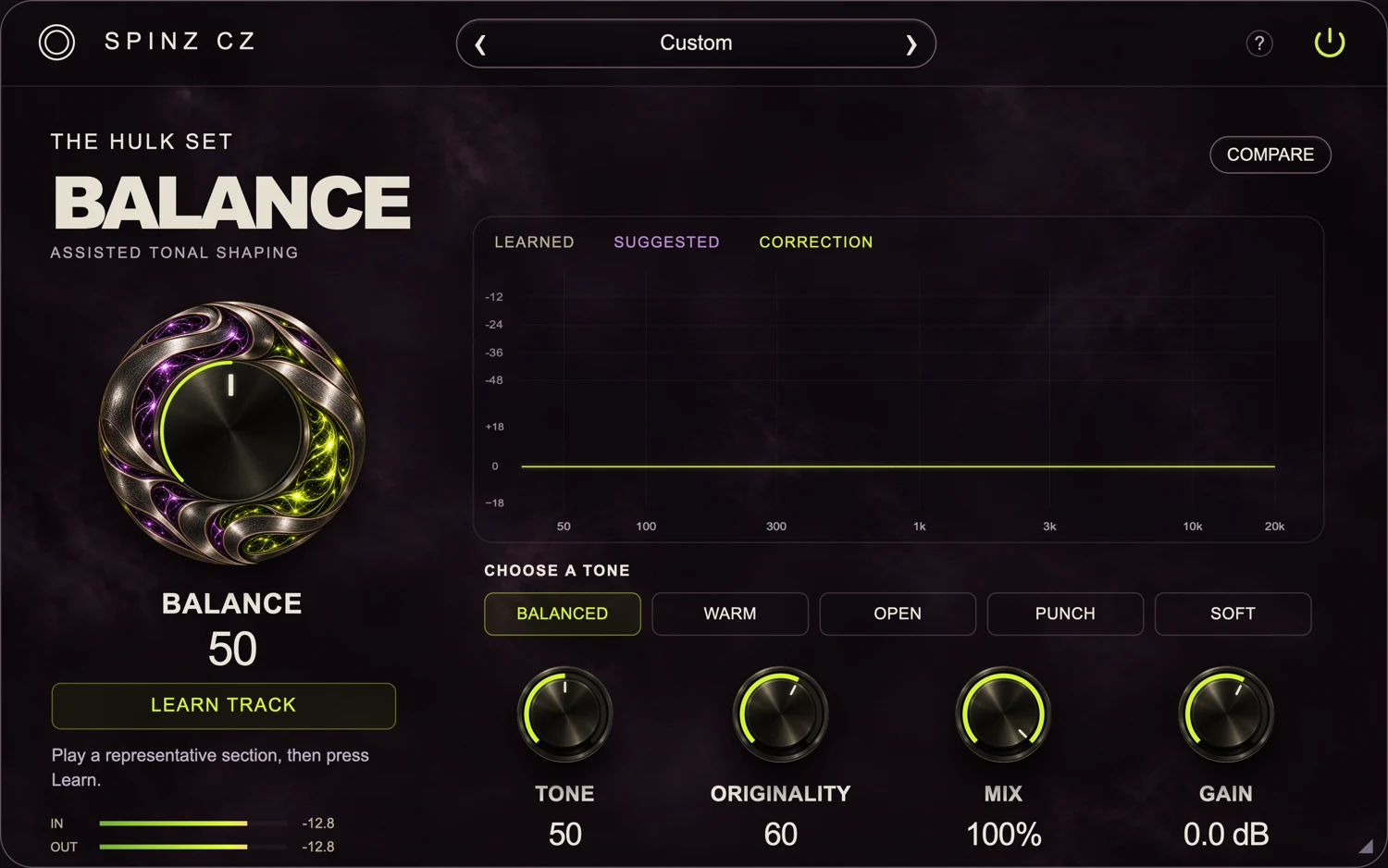
Learn a section of your track and choose a tonal target. Use Balance to set the correction amount and Originality to keep more of your original tone.
Learn · Balance · OriginalityCompress. EQ. Saturate.
Add width, reverb and delay.