Weight & impact
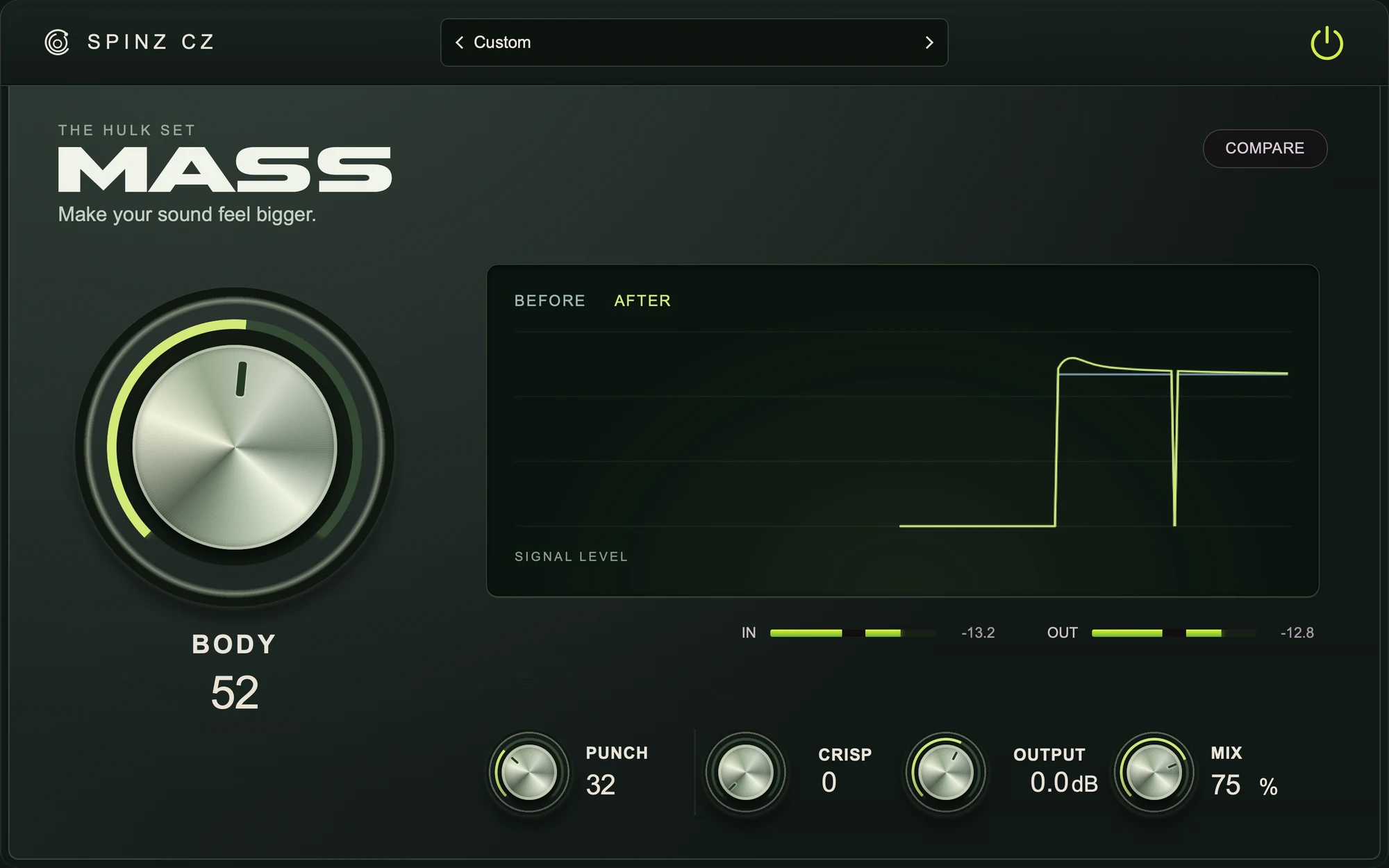
MASS
Add weight and punch to thin drums, bass and instruments.
RM59 one-timeView plug-in

Dynamic equalization
Learn a representative section, then let ADAPT follow changes in its tonal balance. Dynamics steadies the changing sound; an optional reference gives Match a measured target. Focus the correction on the full spectrum, body or presence.
Install and activate with SpinZ Access, using the same account.
Mac: AU + VST3 · Windows: VST3
Check computer requirements
Learn your track before applying measured tonal correction.
Use Match and Dynamics independently after their required measurements.
Save the learned track and reference profiles with the plug-in state.
Add weight and punch to thin drums, bass and instruments.
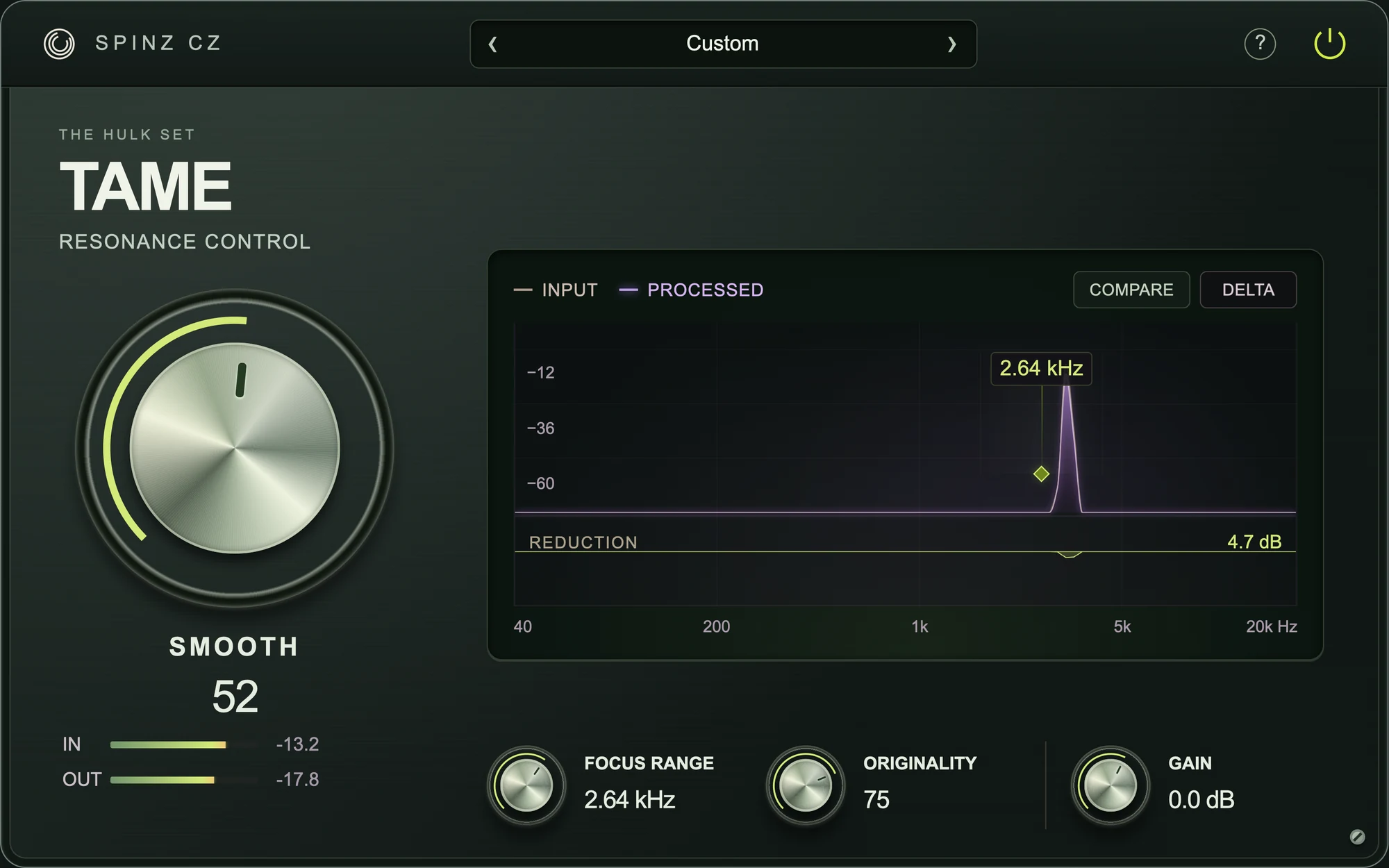
Smooth out harsh, ringing frequencies while keeping the sound’s character.
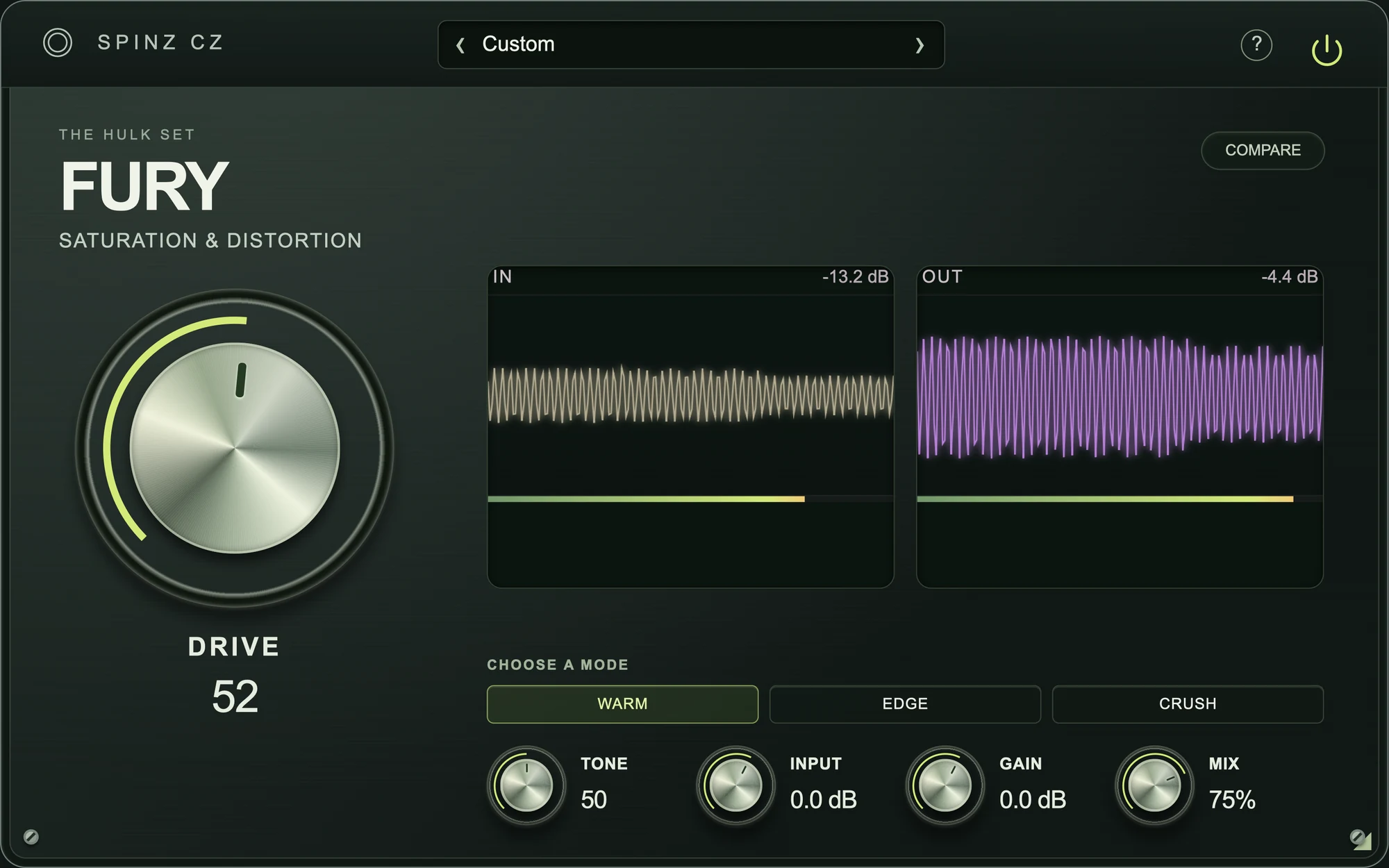
Saturation that adds warmth, grit or distortion to a clean sound.