
Why your mix sounds bad on other speakers.
Sounds great in your studio. Sounds off in the car, on the phone, in the club. Here’s the step you skipped.
Most people jump straight to limiters, reverb and distortion. I do the boring part first.
Mid is the centre. Side is the width.
Mid is what plays equally in both speakers. Side is the difference between left and right: the width.
Mid
The centreKick · Bass
Lead vocal · Snare
Side
The widthReverb · Wide pads
Doubles · Stereo FX
Typical places for these sounds, not fixed rules.
Same mix. Different way to look at it.
Stereo is left and right. Mid/Side is centre and width. Sum the mix to mono and you hear the Mid. That’s why I start there.
Mono. Before anything.
Step 1
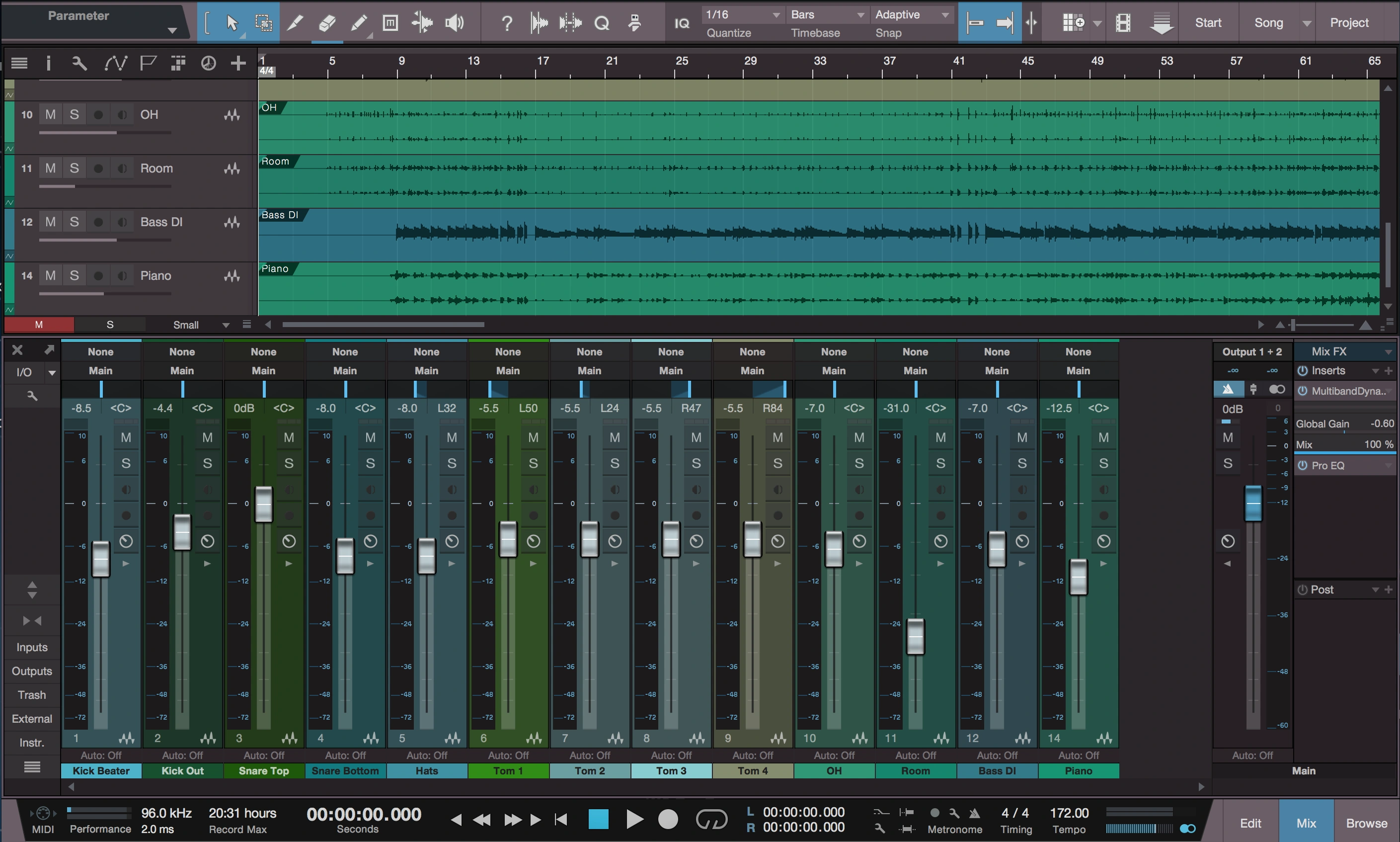
I click the mono button on the master fader before I even touch a volume.
Set volumes. Still mono.
Step 2
Faders only. No plugins yet. Get the balance right without the width getting in the way.
EQ. Still mono.
Step 3
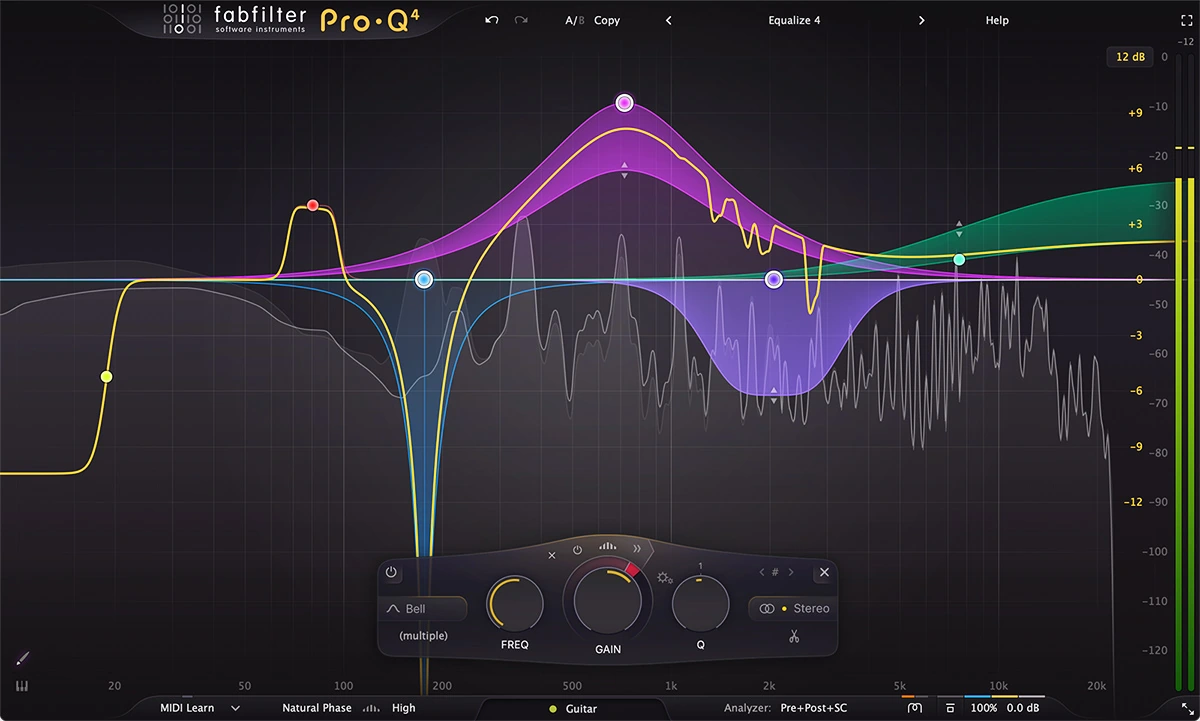
Cut. Boost. Get the tone right. Sounds good? Now turn mono off.
Hear that yuck?
That’s why I don’t stop at mono. The width is back. Anything that sounds wrong now needs attention too.
Treat width like a fader.
Step 4
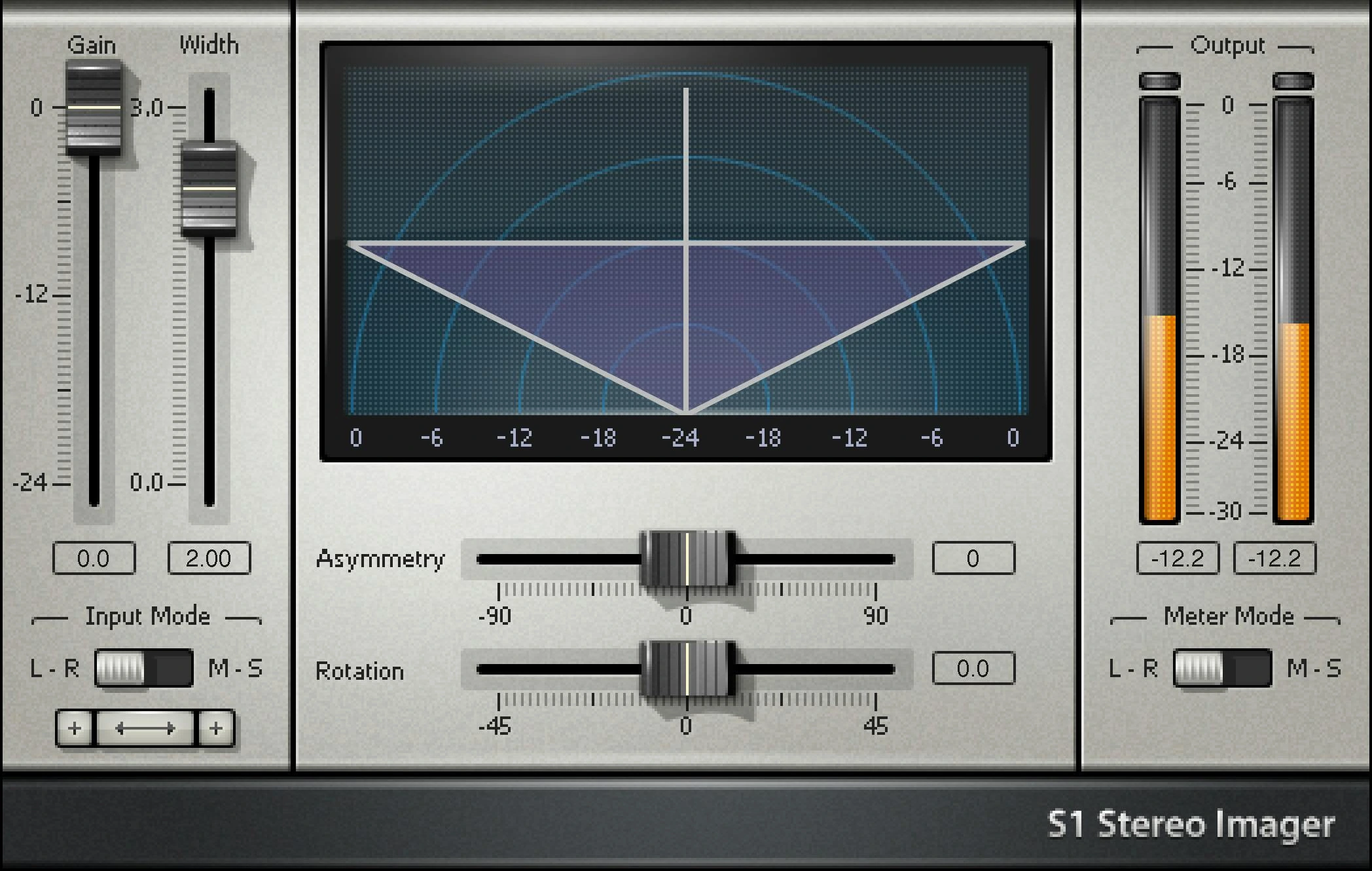
Waves S1 Imager on the tracks that sound off. Too wide? Narrow it. Too narrow? Spread it.
A second mixing pass, just for width.
Watch it. Don’t guess.
Step 5
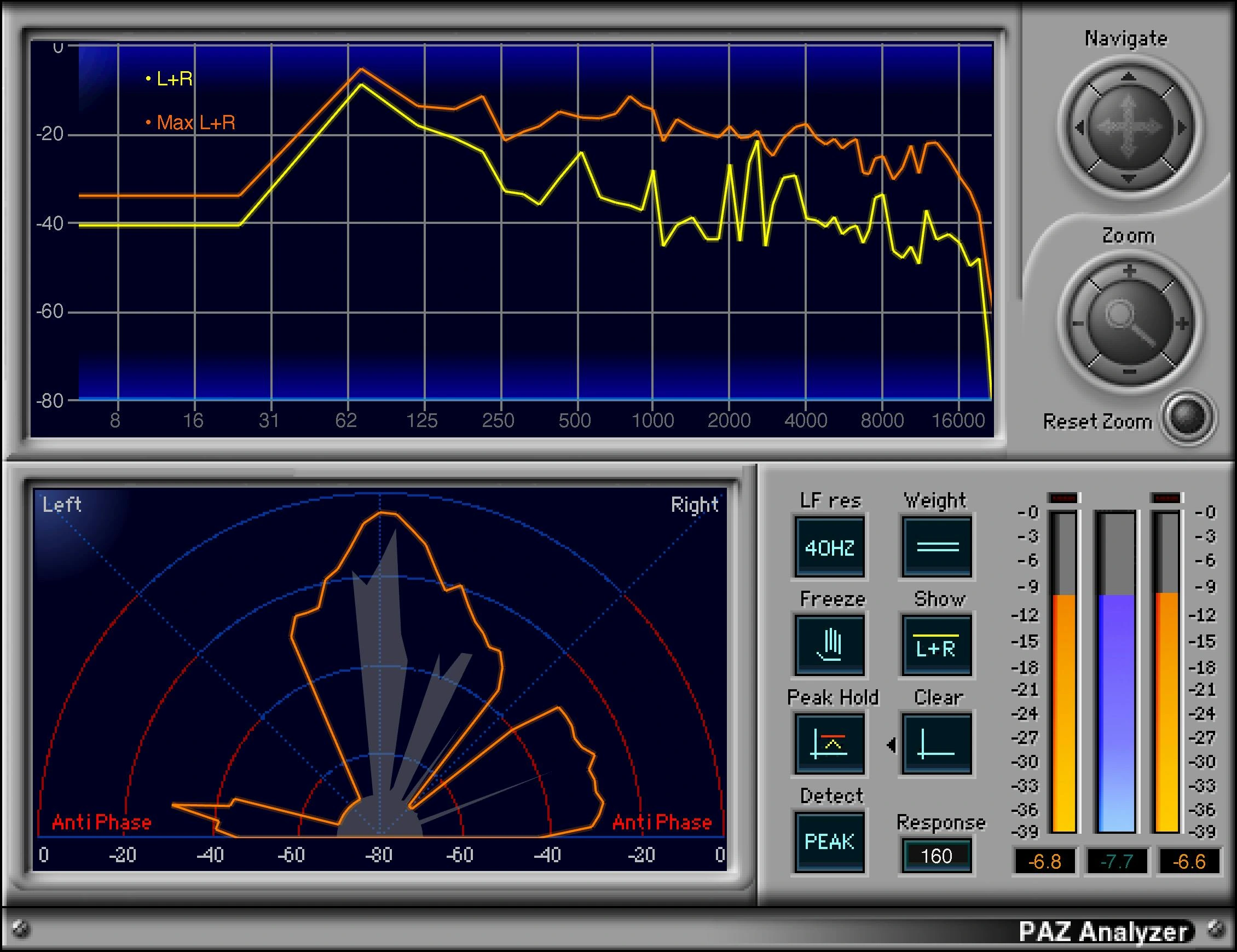
PAZ Analyzer shows the width while I move things. I watch the picture and listen. The meter helps me see it; my ears make the call.
Do this before the fancy stuff.
Skip the width pass and you can end up making the junk junkier with every plugin after it.
- Mono.
- Volumes.
- EQ.
- Width.
- Then limiters, reverb, distortion.
That’s my order. Get the balance and width right first. Then check it on other speakers.

Comments
A question or something to add?
Sign in to comment