
Getting started
Make your first
sound with GRIP.
Catch peaks, shape attacks and bring energetic tracks under control.
Install through Access.
- Download SpinZ Access for your computer and sign in with the account you used to buy.
- Open My library, find GRIP and choose Install. A bundle purchase unlocks its included plug-ins individually.
- Restart your DAW or rescan its plug-ins. Find GRIP under SpinZ CZ and load it on the audio track or bus you want to process.
Activation is handled through Access. You do not need to copy a serial key. Computer requirements and installation help.
Your first session.
- Insert GRIP on the track whose peaks you want to control.
- Choose Tight, Punch or Smash. Raise Compress while watching the gain-reduction display.
- Adjust Tone and Mix for the result you want, then balance Gain.
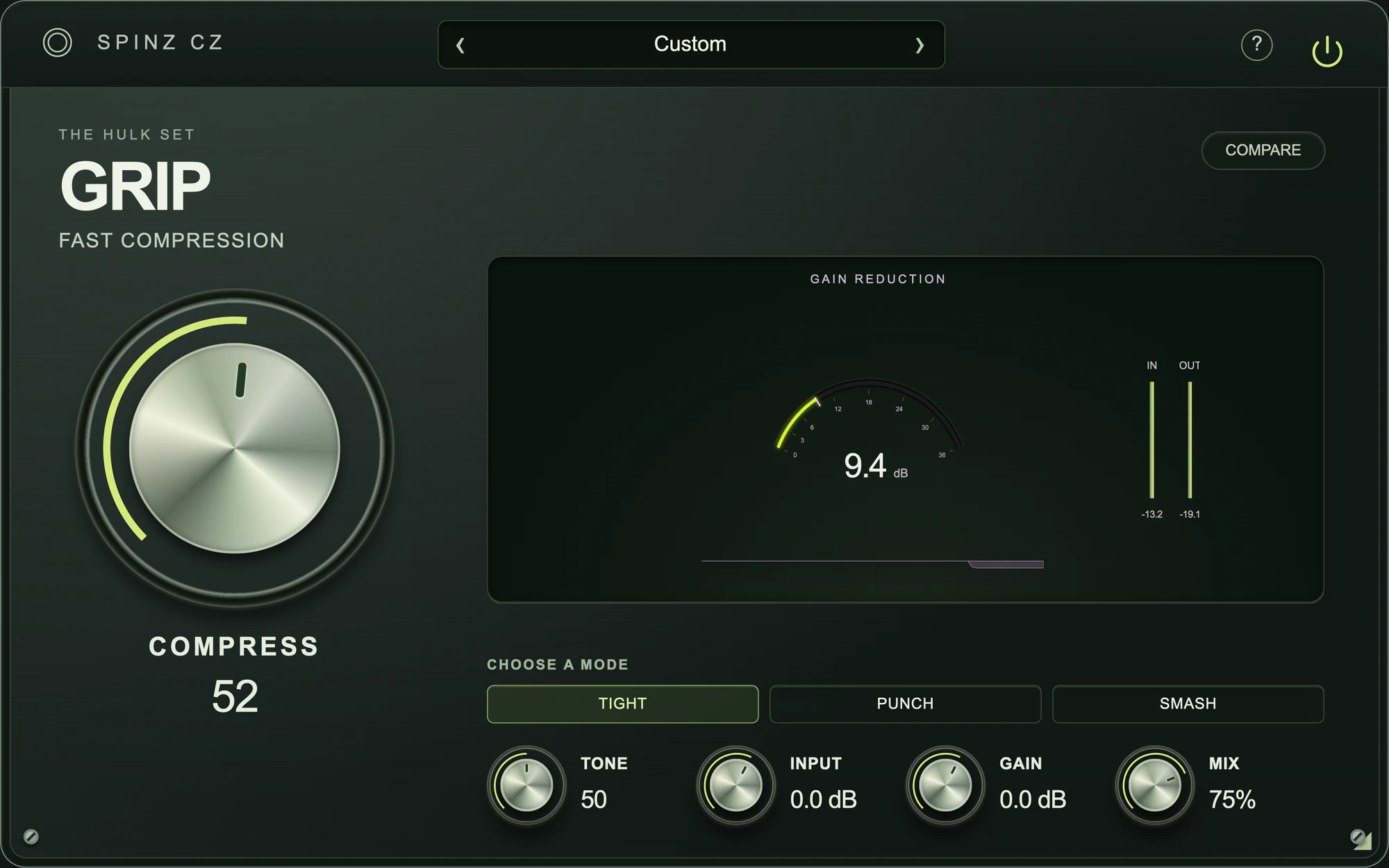
Keep these controls close.
- Three compression characters: Tight, Punch and Smash.
- Watch the actual gain reduction and recent compression history.
- Use Tone and Mix to shape the finish without losing your original attack.
If something gets in the way.
My purchase is missing in Access.
Check that the email in Access matches the account used at checkout. Refresh the library after payment is confirmed. If it is still missing, contact support with your order number. Do not buy it again.
I cannot find the plug-in in my DAW.
Confirm that Access shows Installed. Close and reopen the DAW, then rescan its plug-ins. Windows uses VST3; Mac supports AU and VST3. Check the installed location in Access if your DAW needs its scan folder updated.
How do I get updates or move computers?
Open Access to check available updates and manage your activated devices. Install Access and sign in with the same account on your other computer. Your purchases stay with your account.